> ## Documentation Index
> Fetch the complete documentation index at: https://docs.brm.ai/llms.txt
> Use this file to discover all available pages before exploring further.
# Microsoft Entra ID
> You can integrate your Microsoft Entra ID account with BRM to access sign-in logs directly in the platform. Follow the steps below to complete the setup.
***
## Steps to Connect
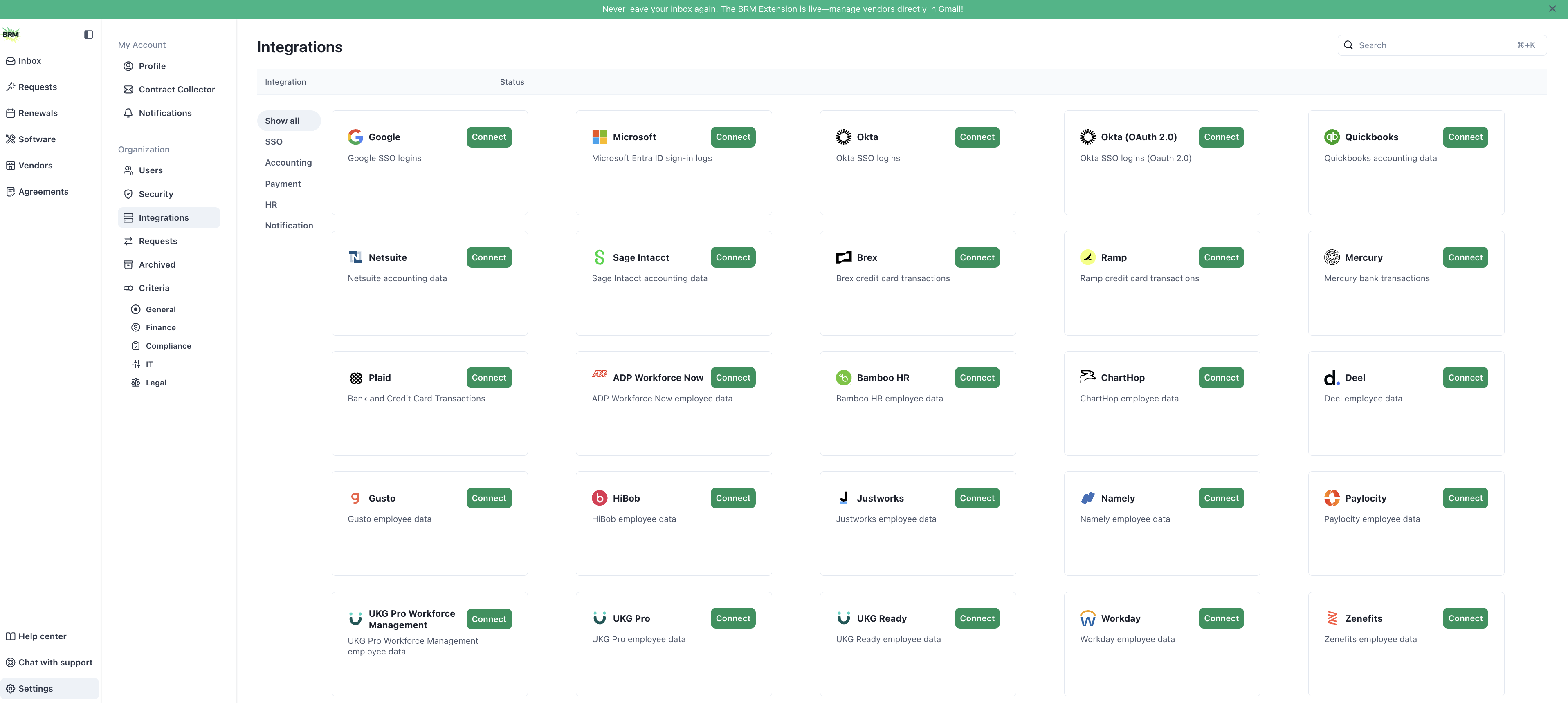
1. **Go to Settings in BRM**
From your BRM dashboard, select **Settings** in the bottom-left corner of the sidebar.
2. **Open Integrations**
In the left-side menu under **Organization**, select **Integrations**.\
You’ll see a list of available integrations organized by category.
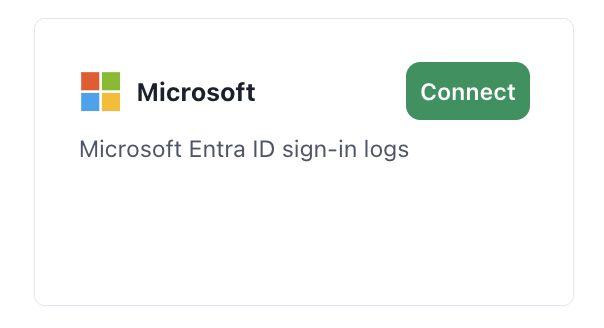
 3. **Find and Connect Microsoft**
Scroll to the **SSO** section and locate the **Microsoft** integration card.\
Click **Connect**.
3. **Find and Connect Microsoft**
Scroll to the **SSO** section and locate the **Microsoft** integration card.\
Click **Connect**.
 4. **Authenticate with Microsoft**
A pop-up window will appear with connection steps. Select **Create Integration**.
4. **Authenticate with Microsoft**
A pop-up window will appear with connection steps. Select **Create Integration**.
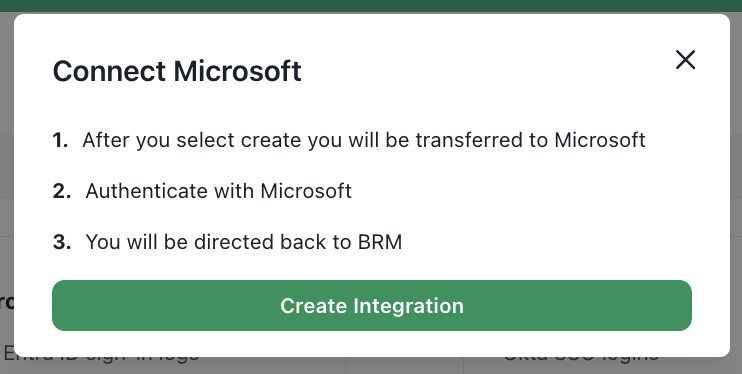 You’ll be redirected to Microsoft to sign in and authorize access.
5. **Return to BRM**
After successfully authenticating, you’ll be redirected back to BRM. Your Microsoft Entra ID integration will now appear as connected.
***
## What’s Next
Once connected, BRM will automatically begin syncing sign-in log data from Microsoft Entra ID. You can manage or disconnect this integration at any time from the same **Integrations** page.
You’ll be redirected to Microsoft to sign in and authorize access.
5. **Return to BRM**
After successfully authenticating, you’ll be redirected back to BRM. Your Microsoft Entra ID integration will now appear as connected.
***
## What’s Next
Once connected, BRM will automatically begin syncing sign-in log data from Microsoft Entra ID. You can manage or disconnect this integration at any time from the same **Integrations** page.