> ## Documentation Index
> Fetch the complete documentation index at: https://docs.brm.ai/llms.txt
> Use this file to discover all available pages before exploring further.
# How to add contracts to BRM
> See all the different ways you can add contracts to BRM.
**For all BRM users (BRM Lite & Enterprise)**
There are multiple ways to add contracts in BRM. Below are the most common methods.
## Connect your inbox to BRM
Connect your inbox to BRM to automatically import signed agreements. BRM's contract collector scans your authenticated Gmail for fully executed vendor agreements. It securely stores relevant documents and provides a review process to keep your organization organized and up-to-date, all while maintaining strict privacy controls.
## Import contracts in bulk
1. Navigate to Agreements
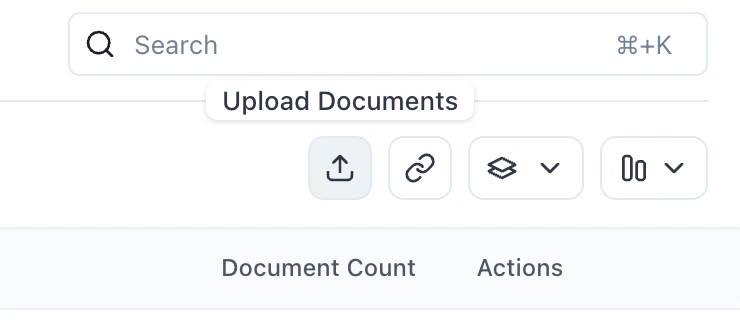
2. Click the "+" next to Agreements in the leftside menu, or the upload agreements button in the upper right corner.
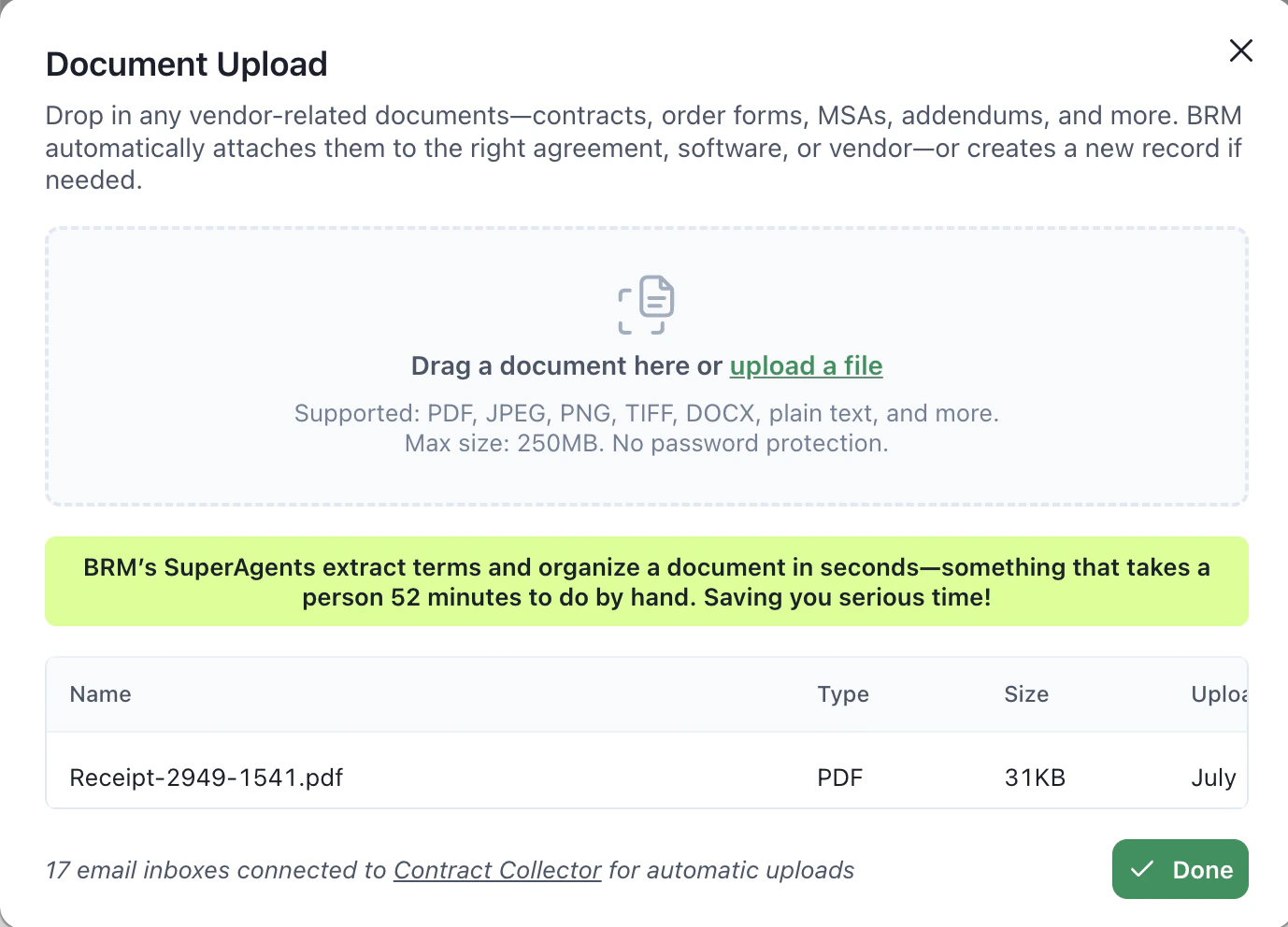
 3. Drag in as many contracts as you would like
4. BRM will match the contracts to their respective tools and vendors and extract values
3. Drag in as many contracts as you would like
4. BRM will match the contracts to their respective tools and vendors and extract values
 ## Invite your teammates to BRM to capture contracts in their inboxes
If your teammates frequently sign DocuSigns or receive contracts by email, invite them to BRM. By connecting their inbox, BRM will automatically capture all of their agreements.
## Invite your teammates to BRM to capture contracts in their inboxes
If your teammates frequently sign DocuSigns or receive contracts by email, invite them to BRM. By connecting their inbox, BRM will automatically capture all of their agreements.