> ## Documentation Index
> Fetch the complete documentation index at: https://docs.brm.ai/llms.txt
> Use this file to discover all available pages before exploring further.
# Vendor, Software and Agreement List Views
> This article will teach you how to personalize your list views by customizing columns, applying filters, and saving tailored views.
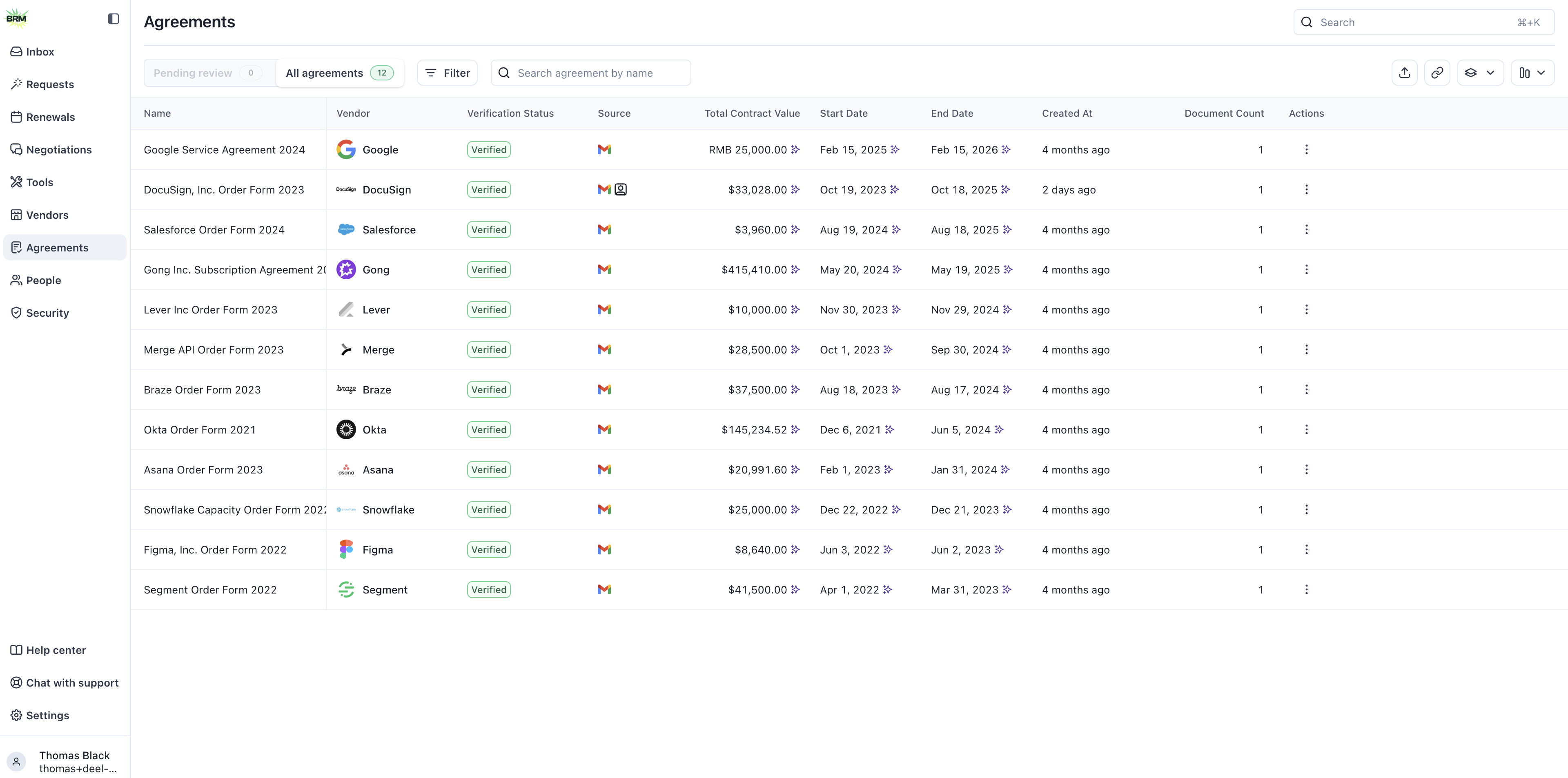 ### Customize Columns within the list view
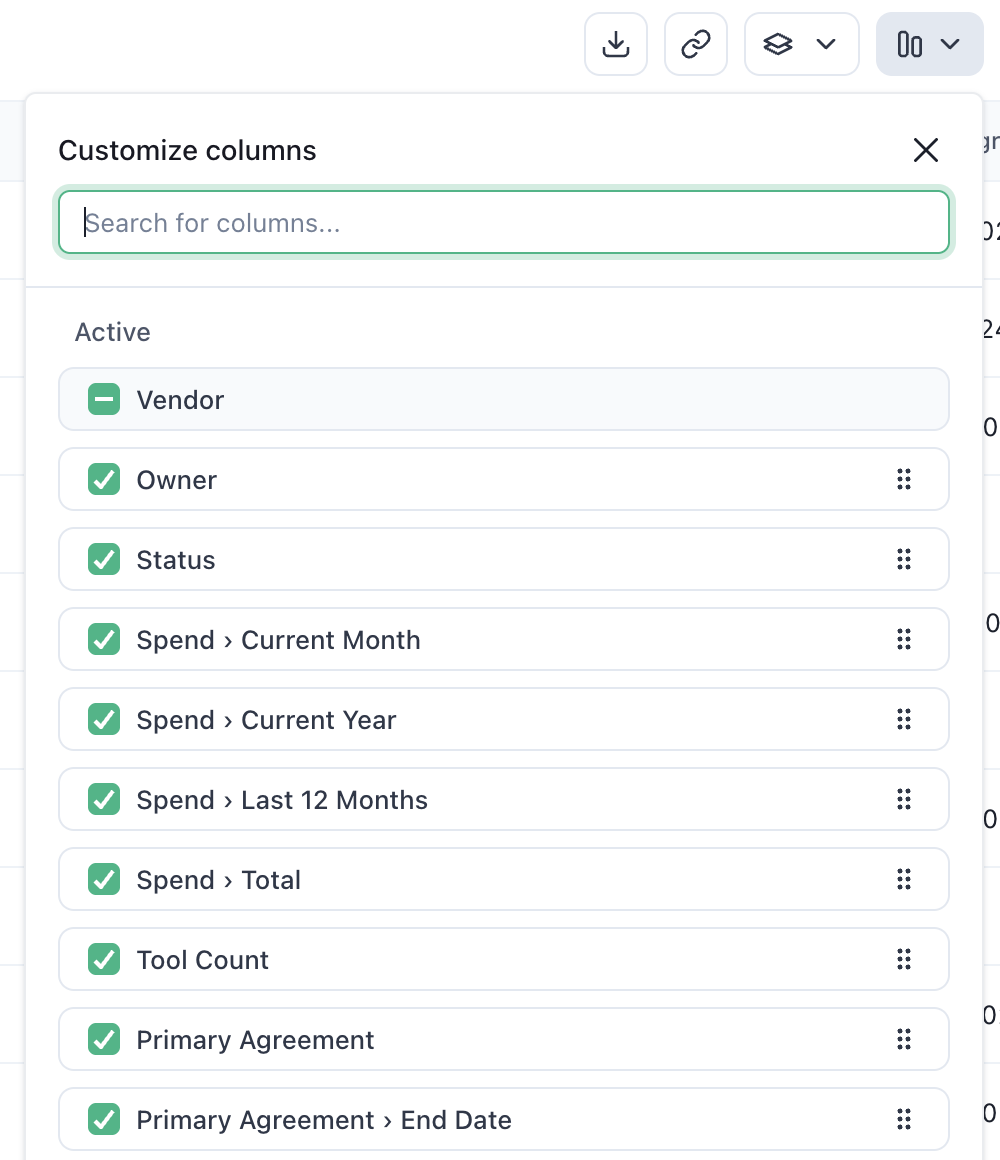
Click the column icon in the right corner of the table to view available column options in the list view. Select, deselect, and reorder columns from this view. Be sure to **click the Save button on the bottom right** to apply your selection to the list view. If you want to add a custom column, see [How to Create Custom Criteria](https://app.usepylon.com/docs/19d980d2-bf72-4857-ada7-da4ed671a108/articles/50032093-767d-4abc-be5c-c6ac7347fec9).
### Customize Columns within the list view
Click the column icon in the right corner of the table to view available column options in the list view. Select, deselect, and reorder columns from this view. Be sure to **click the Save button on the bottom right** to apply your selection to the list view. If you want to add a custom column, see [How to Create Custom Criteria](https://app.usepylon.com/docs/19d980d2-bf72-4857-ada7-da4ed671a108/articles/50032093-767d-4abc-be5c-c6ac7347fec9).
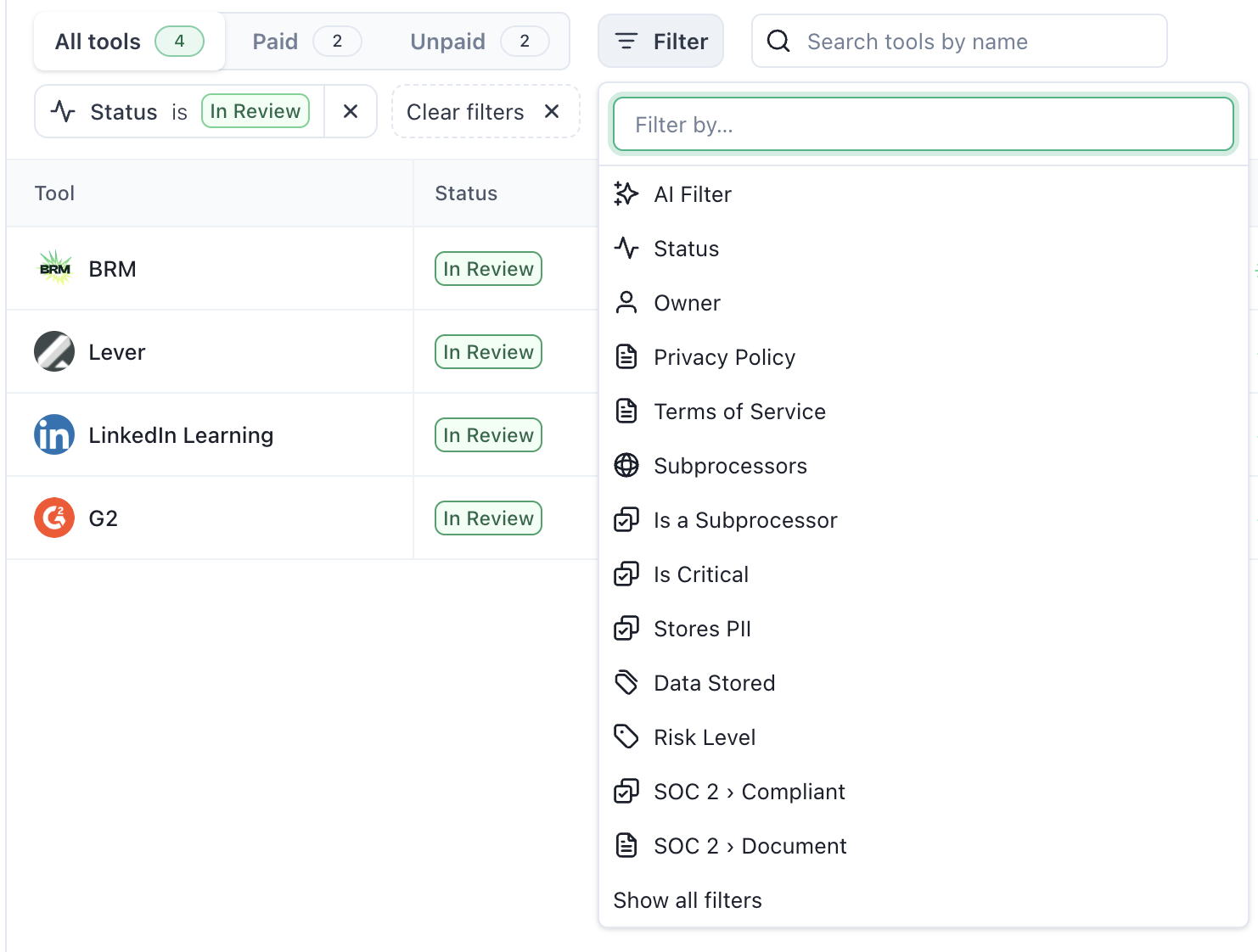
 ### Filtering and Saved Views
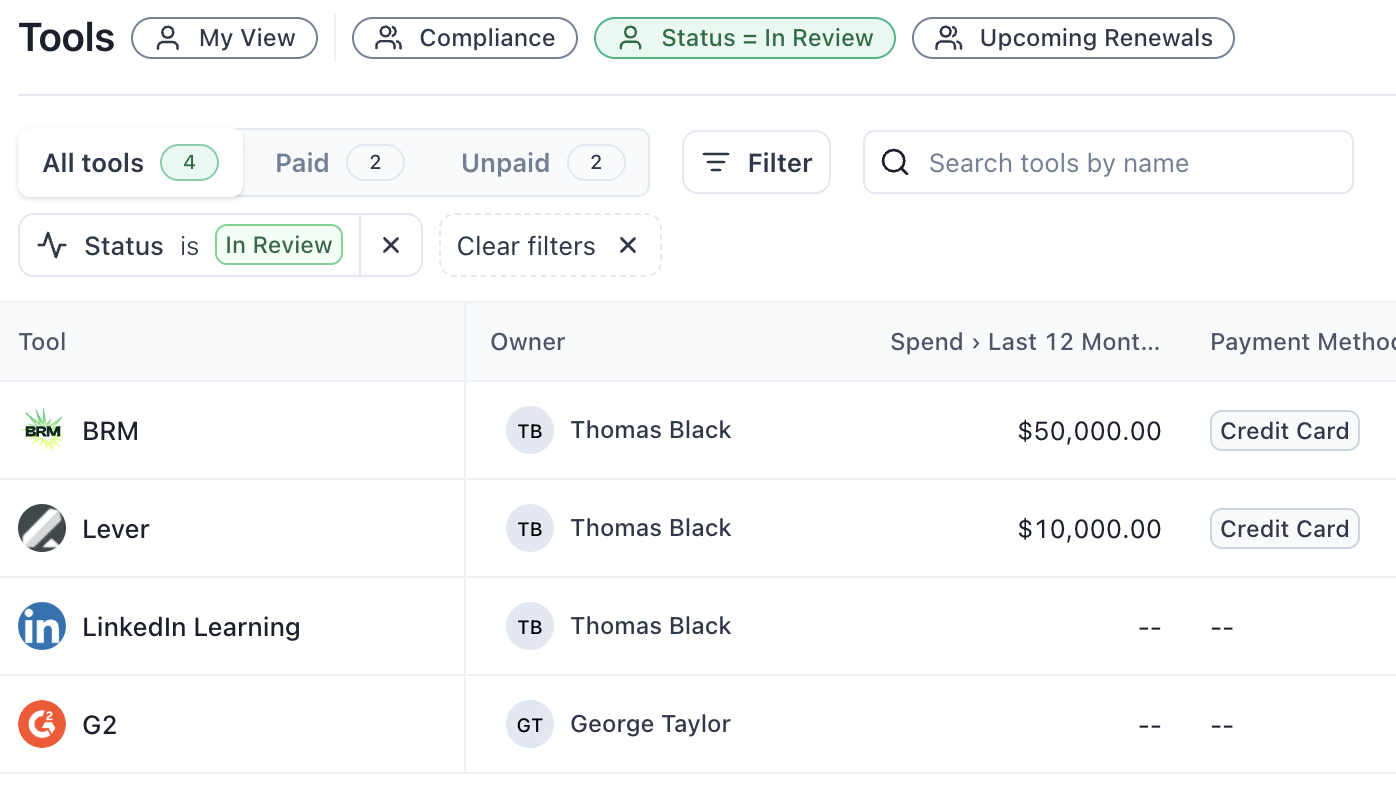
Use filters to narrow down your list and find exactly what you need.
### Filtering and Saved Views
Use filters to narrow down your list and find exactly what you need.
 Save any filtered view for quick access later.
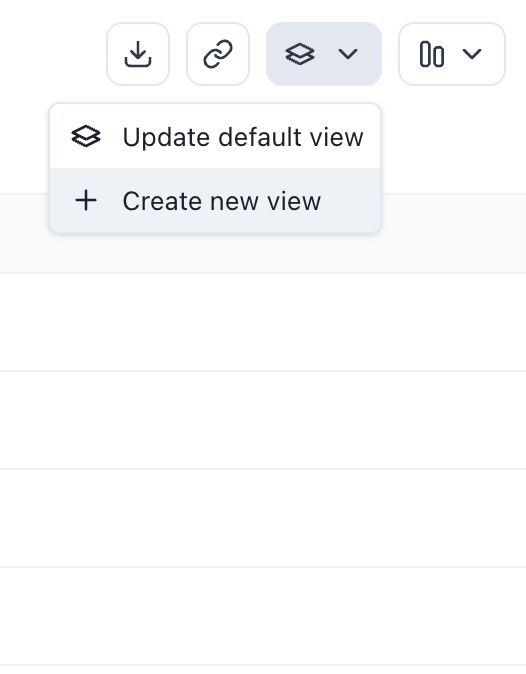 Your saved view will appear at the top of the page once it's saved.
 Customizing your list views helps you work more efficiently by displaying only the information that matters most. Now that you know how to adjust columns, apply filters, and save views, you’re ready to tailor your data to suit your workflow.