How to invite new users to BRM
- Click on
Settings - In the settings navigation bar, click on
Users - Click on
Add User- Fill in
Email - Fill in
First name&Last name - Select which role and permissions you want them to have
- Fill in
- Review details and press
Send Invite
Role-Based invite permissions
- In BRM Lite, only Super Admins can invite new users.
- In BRM Enterprise, each role can invite users at their own role and permission and any lower level (e.g., Admins can invite Admins and Users).
How to bulk invite users
- Click on
Settings - In the settings navigation bar, click on
Users - Click on
(⋮)- Click
Bulk Upload Users (CSV)
- Click
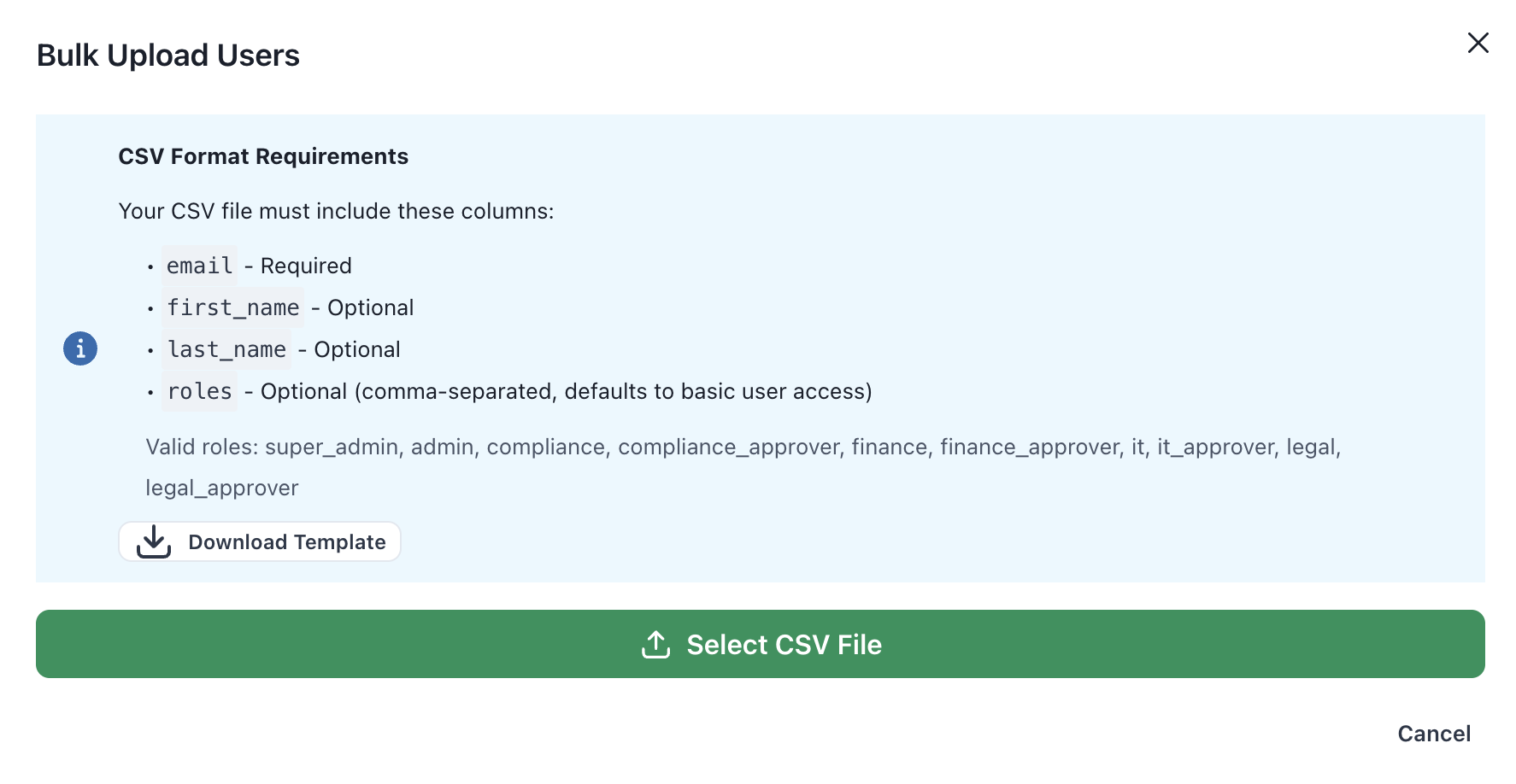
- Upload CSV with desired users
- CSV must include (template available to download on BRM)
-
email- Required •first_name- Optional •last_name- Optional •roles
-
- CSV must include (template available to download on BRM)
- Review details and press
Invite All Users