Customize Columns within the list view
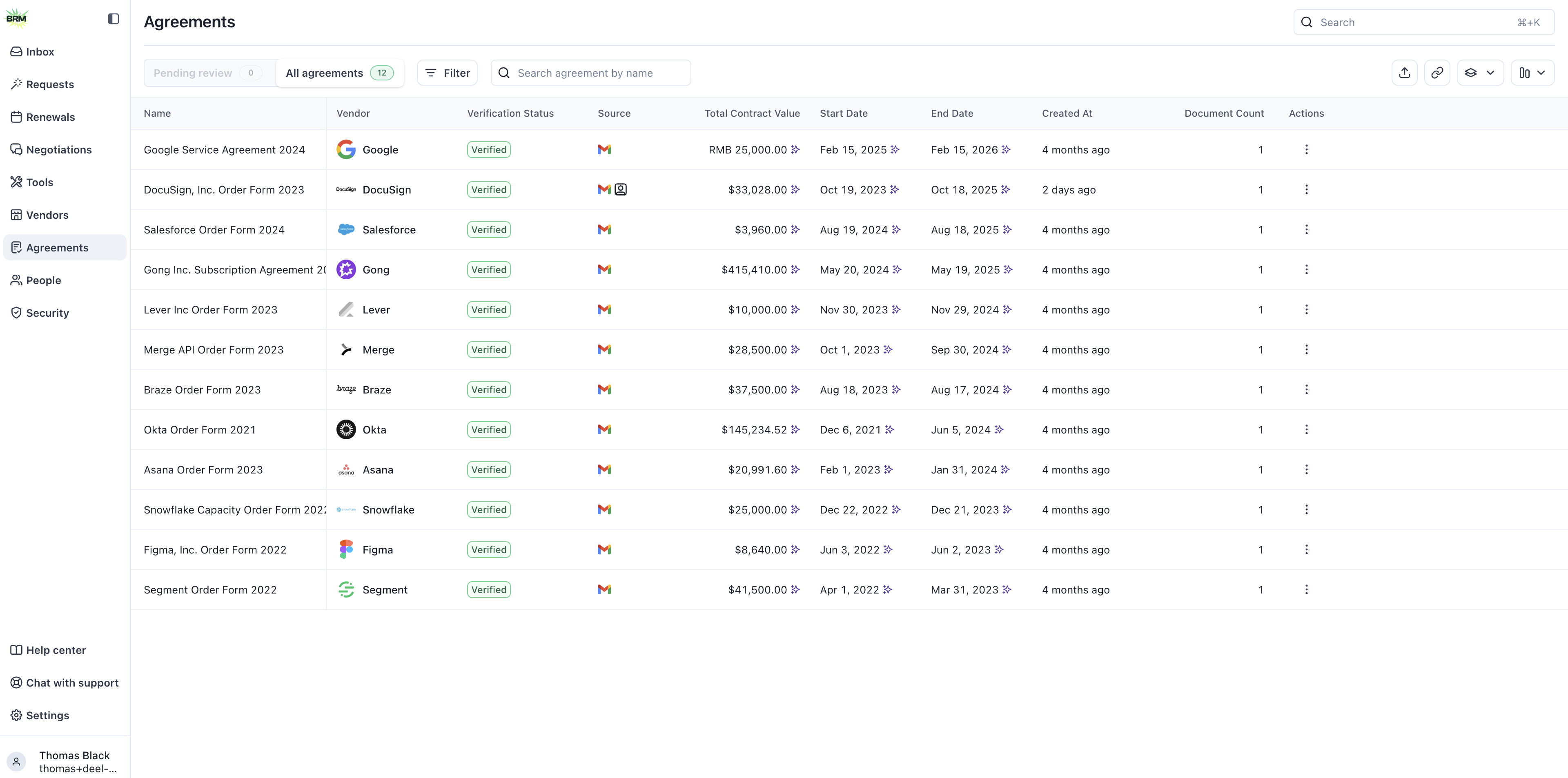
Click the column icon in the right corner of the table to view available column options in the list view. Select, deselect, and reorder columns from this view. Be sure to click the Save button on the bottom right to apply your selection to the list view. If you want to add a custom column, see How to Create Custom Criteria.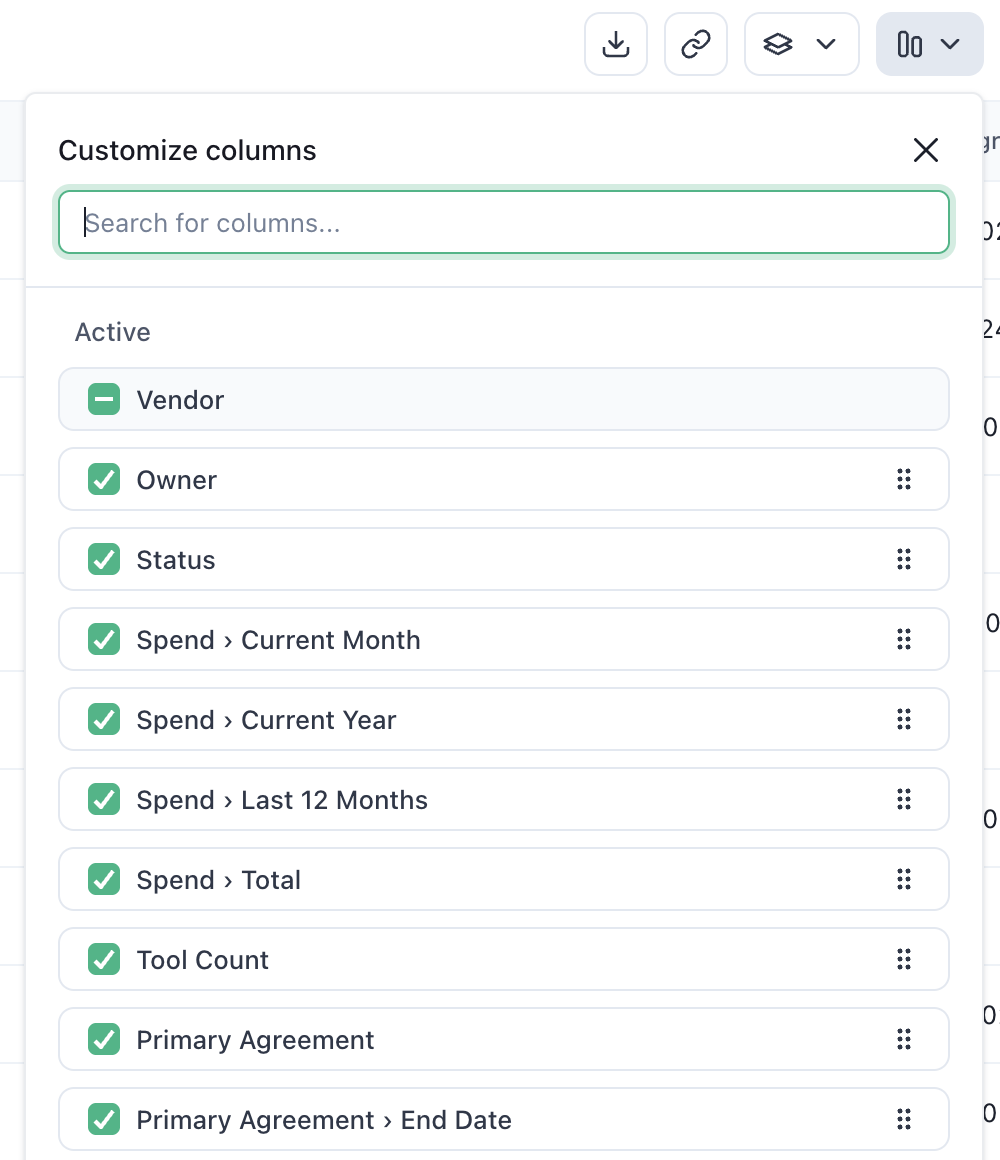
Filtering and Saved Views
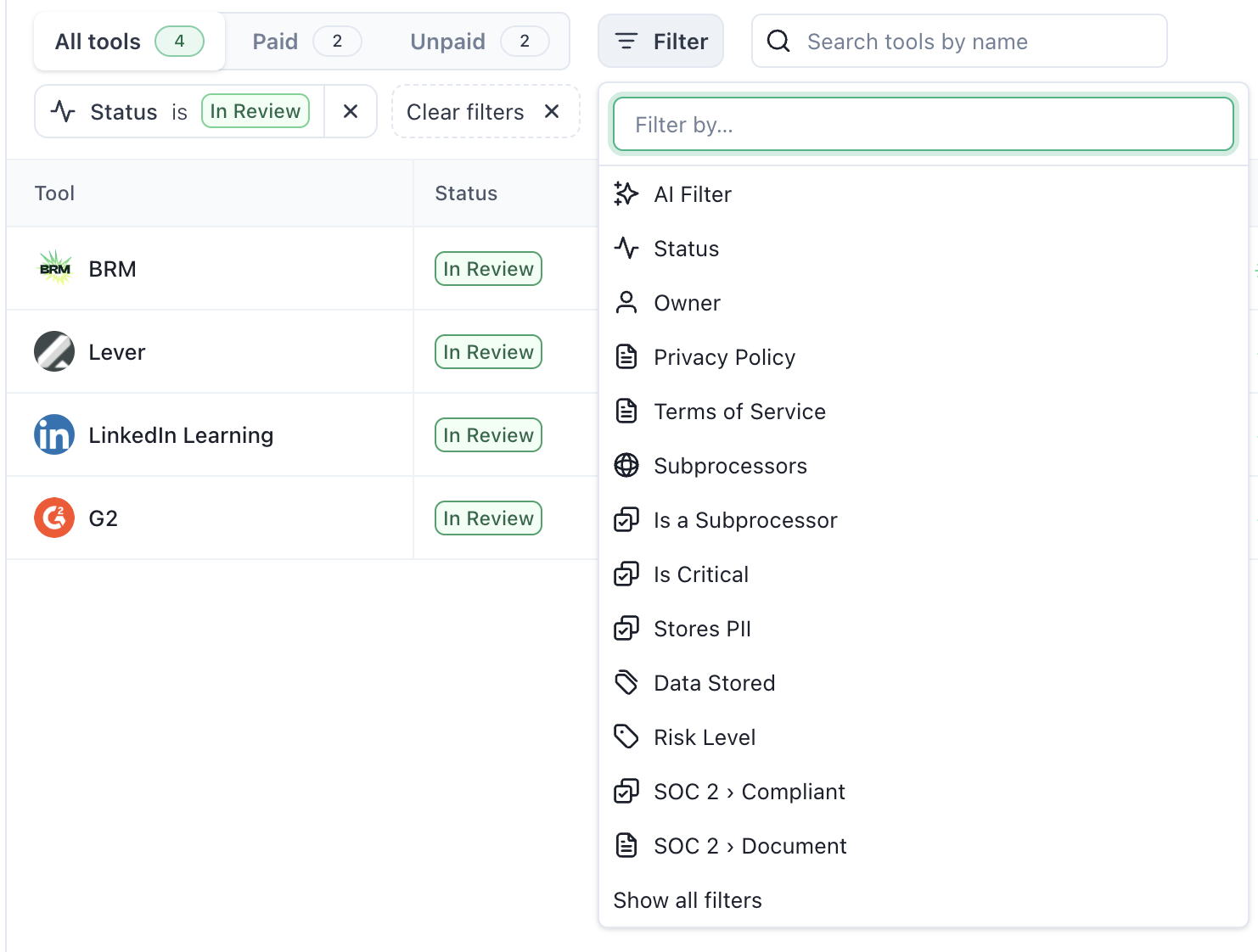
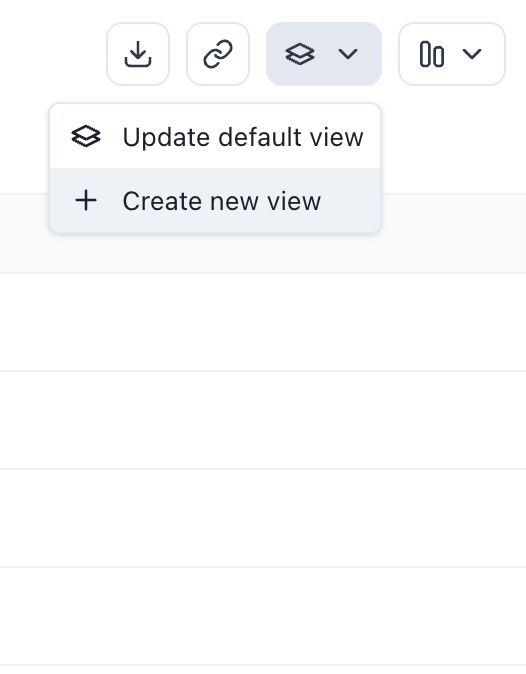
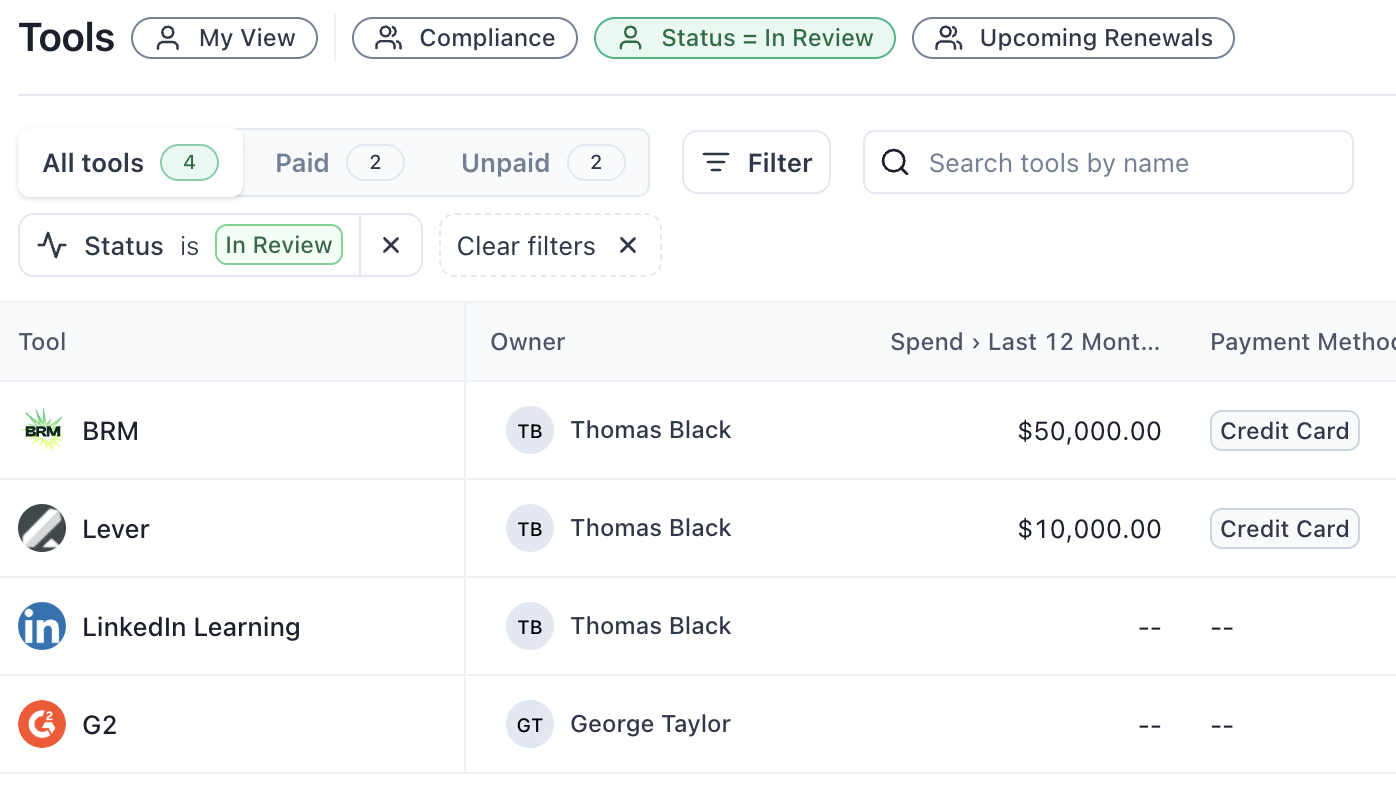
Use filters to narrow down your list and find exactly what you need.