The Anatomy of a Request Workflow
Request Types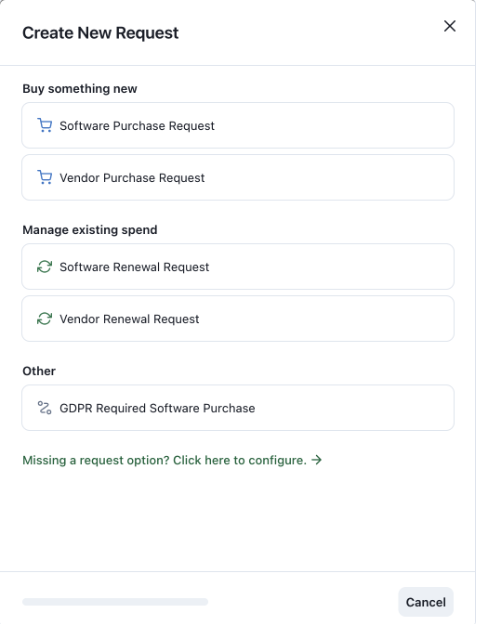
- Software Purchase Request: When you want to purchase a new software, use this flow.
- Vendor Purchase Request: When you are looking to purchase a new service (i.e. consultant, coach, etc), use this flow
- Software Renewal Request: When you want to renew a new software, use this flow.
- Vendor Renewal Request: When you are looking to renew a new service, use this flow
- Configure a custom request flow
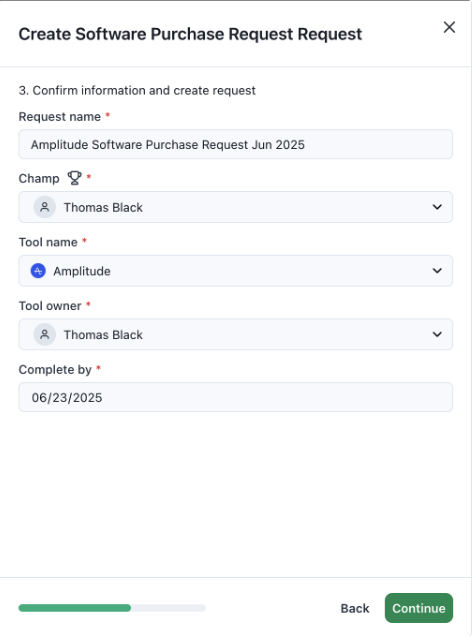
Request Intake
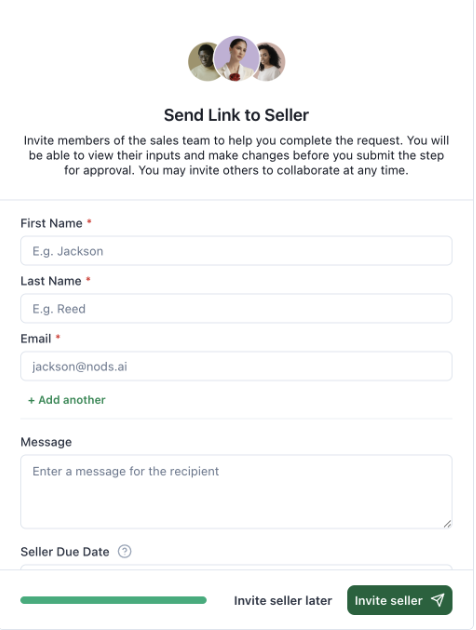
Collaborate with the Seller/Vendor
Request Steps
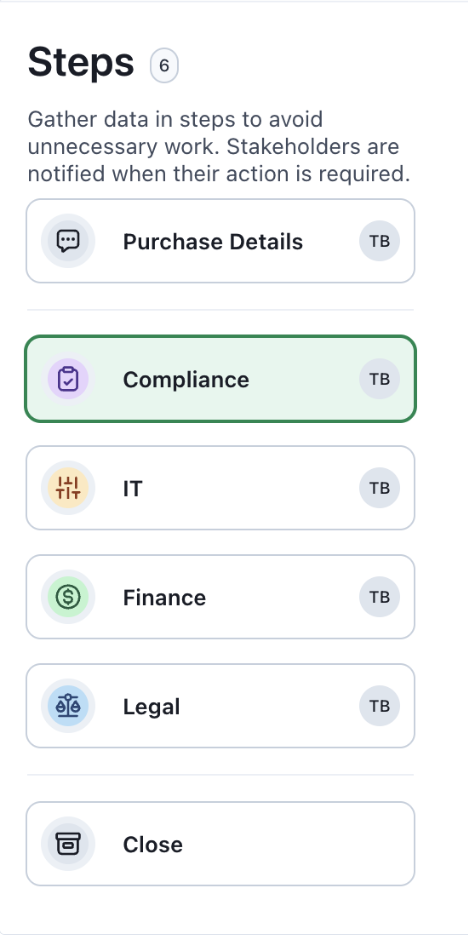
After completing the intake process, you’ll proceed through additional steps to gather and organize the data required for the request. The step categories are listed below. You can add or remove steps as needed and assign an internal approver once each step is complete.