

Steps
- Go to https://app.brmapp.net/
-
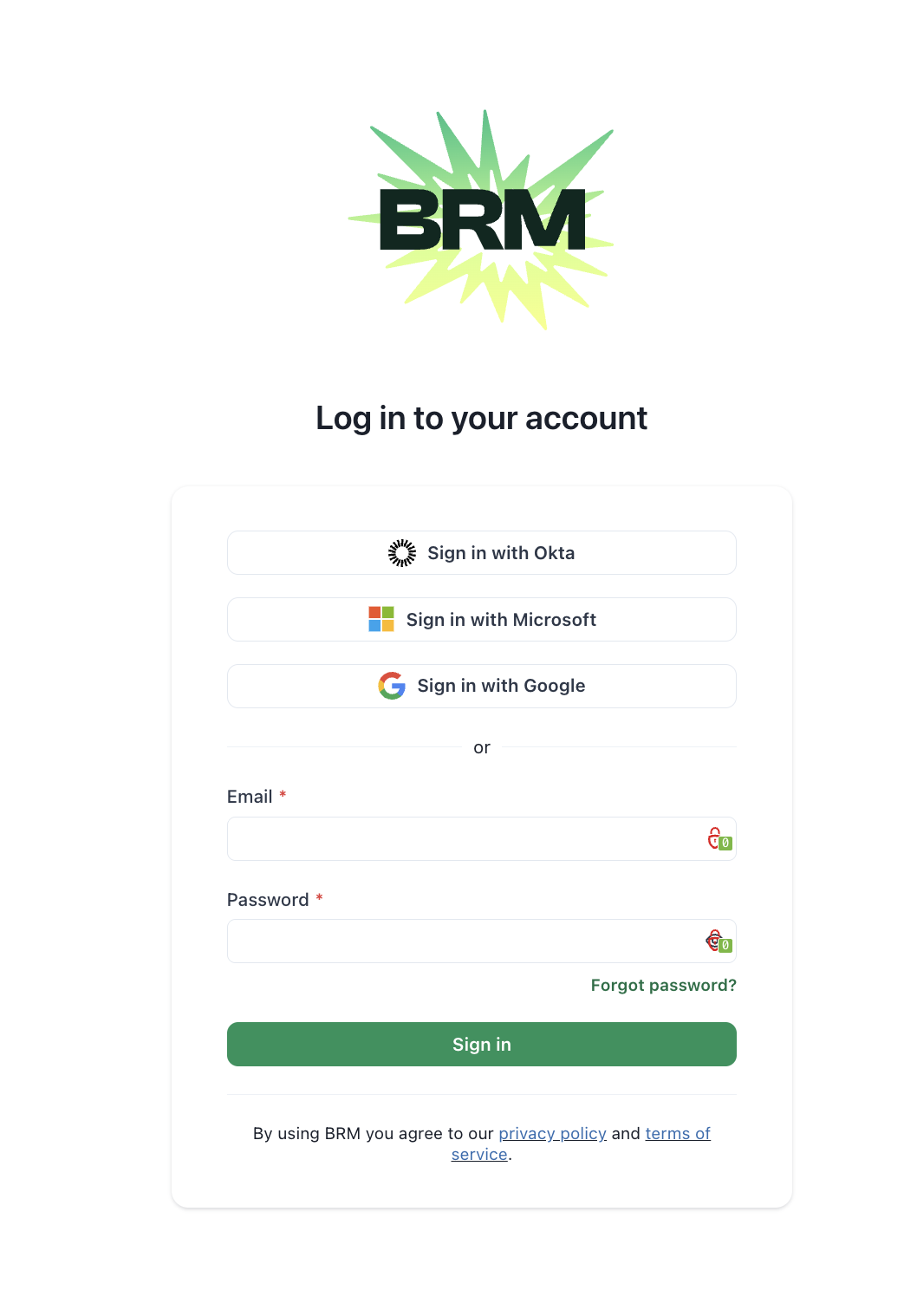
Select Sign in with Microsoft on the login page
-
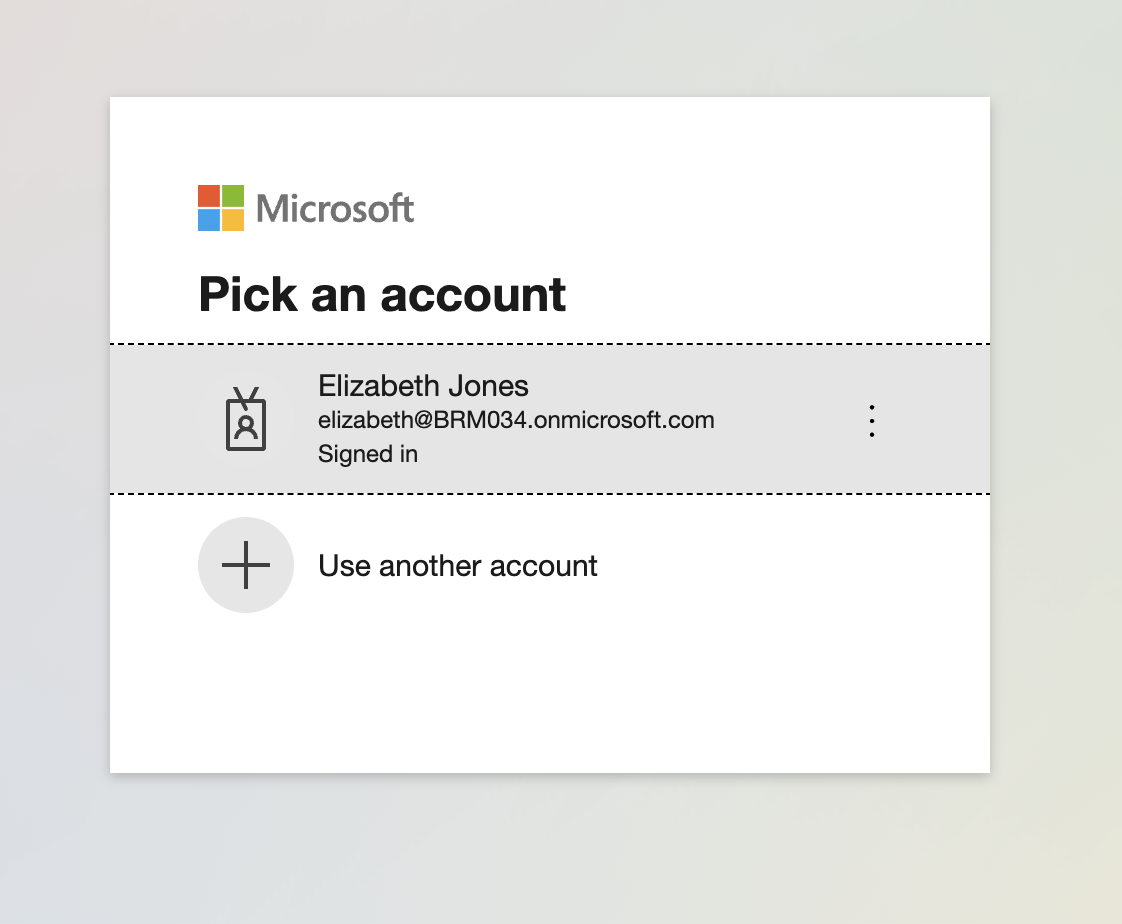
Choose your work account when prompted by Microsoft
-
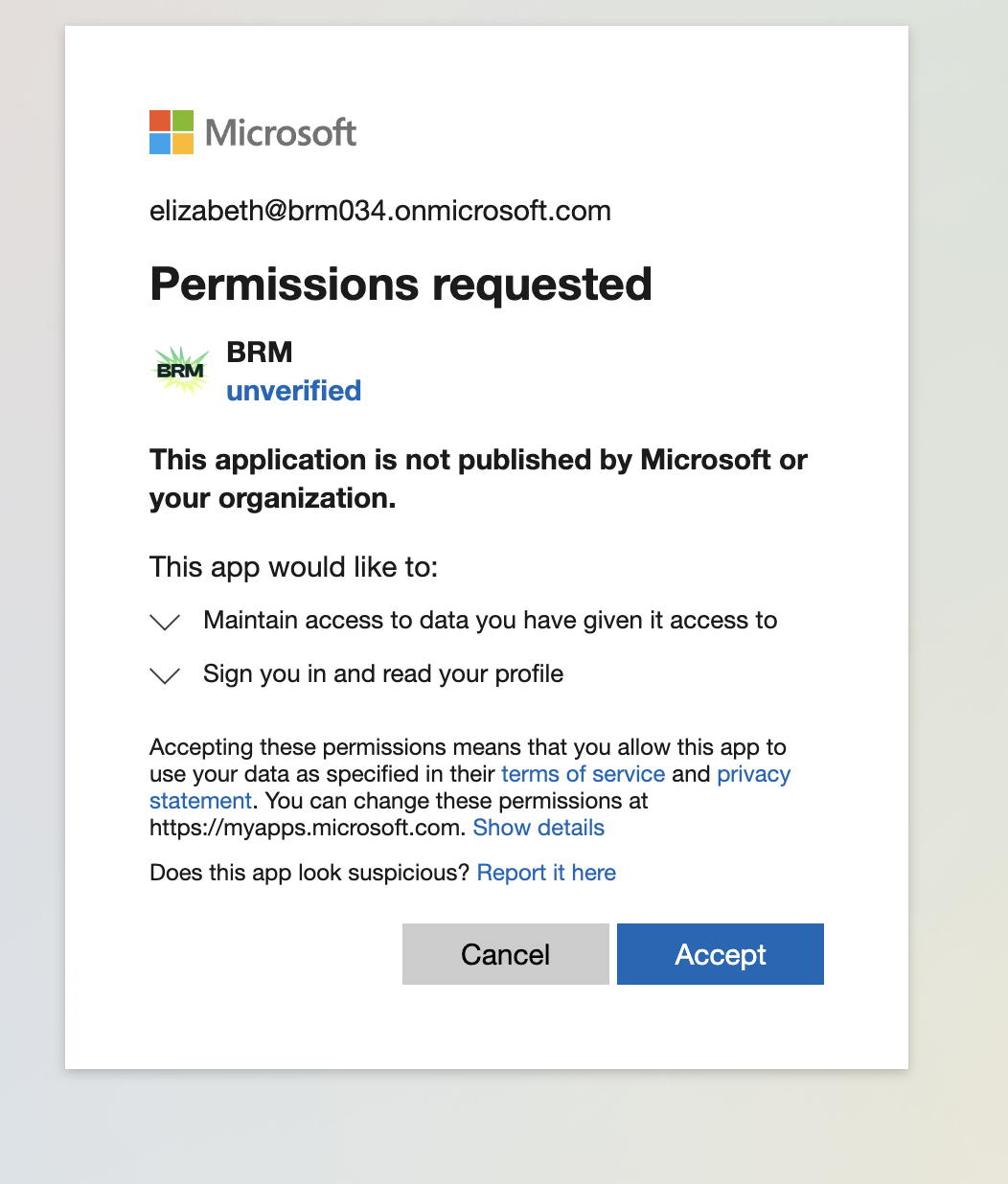
Review the permissions screen and select Accept
- You’ll be redirected back to BRM and signed in
You can log in to BRM using your Microsoft account linked to your BRM profile.